

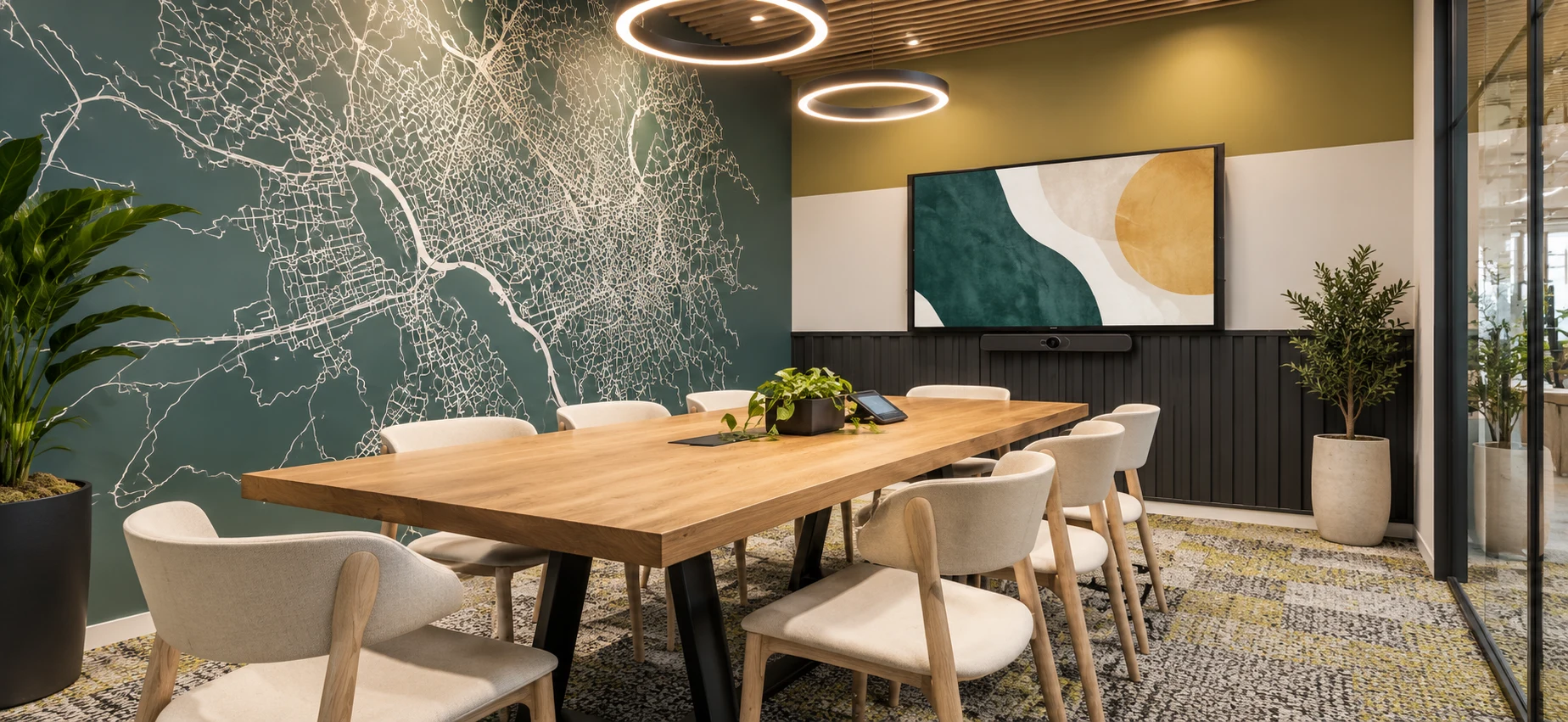
The cost of a professional videoconferencing room cannot be determined correctly from seat count alone. The main cost areas are platform and compute, displays, camera, microphones and loudspeakers, control, cabling, installation, programming, commissioning and support. Designing standard room classes makes budgets more predictable and scalable.
1. Why there is no universal room price
Two rooms with the same number of seats can have very different requirements. One may use a compact standard system; another may need dual displays, multiple cameras, distributed microphones, DSP, advanced control and integration with other room systems.
A reliable quotation therefore starts with functional requirements, not a generic product list.
2. The variables that affect budget most
- Room size and geometry: affects displays, optics, audio coverage and cabling.
- Platform: Teams Rooms, Zoom Rooms, Webex or interoperable environments require different architectures and licensing.
- Audio quality: a video bar and a distributed system with microphones, DSP and dedicated loudspeakers have different integration levels.
- Video: number and size of displays, cameras, tracking and content visualisation.
- Control: one-touch experience, panels, automation and room-booking integration.
- Site works: cabling, mounts, racks, pathways, power and construction coordination.
- Services: design, programming, commissioning, training, maintenance and monitoring.
3. Separate the cost categories
| Category | Includes |
|---|---|
| Room system | Compute/appliance, touch controller, licensing and platform accessories. |
| Video | Displays, cameras, distribution and content sharing. |
| Audio | Microphones, loudspeakers, DSP, interfaces and required treatment. |
| Infrastructure | Cabling, mounts, racks, power and installation components. |
| Engineering | Design, configuration, programming and documentation. |
| Delivery | Installation, commissioning, testing and training. |
| Lifecycle | Support, maintenance, monitoring and management. |
4. Build budgets by room type
Corporate programmes benefit from a small number of room classes such as small, medium, large and special. Each class can have an approved bill of materials and a defined complexity range.
This makes quotations easier to compare, simplifies spares and support, and creates a repeatable experience across multiple offices.
5. Consider total cost, not only purchase price
Initial hardware is only one part of the lifecycle. Rooms that require frequent onsite intervention, use non-standard components or cannot be monitored may cost more over time than a more structured design.
Compare lifecycle, upgradeability, warranties, spare availability, recovery time and remote-management options.
6. Where to optimise without damaging the experience
The strongest efficiencies usually come from standardisation and early design: fewer variants, less site rework and more common components across rooms. Cutting acoustic treatment, microphone coverage, display sizing or commissioning can instead create recurring operational problems.
A pilot room is often valuable before a large rollout because it validates the design with real users and IT operations.
7. A practical budgeting method
- Survey rooms or collect reliable room data.
- Define functional requirements.
- Classify rooms by type.
- Design one standard per type.
- Build a pilot where appropriate.
- Define bill of materials and services for each class.
- Estimate lifecycle support.
Checklist before requesting a quotation
- Number and size of rooms
- Seats per room
- Collaboration platform
- One or more displays
- BYOD requirements
- Acoustic constraints
- Network and cabling status
- Monitoring requirements
- Construction schedule
- Required support model
Frequently asked questions
Why not publish one fixed price per room?
A single number can compare solutions that are not equivalent. Room size, audio, platform, infrastructure, integration and services can materially change the scope.
Does standardising rooms reduce cost?
It generally reduces variants, repeated engineering, spares and support complexity, especially in multi-site programmes or portfolios with many rooms.
Is a pilot room useful?
Yes, particularly for larger rollouts. It validates ergonomics, audio-video quality, IT configuration and support procedures before replication.
Updated 19 September 2026. Technical content edited by AYNO.
AYNO
Designing or standardising meeting rooms?
AYNO supports organisations from requirements and room standards through engineering, integration, commissioning and managed services.
Talk to an AYNO specialist