

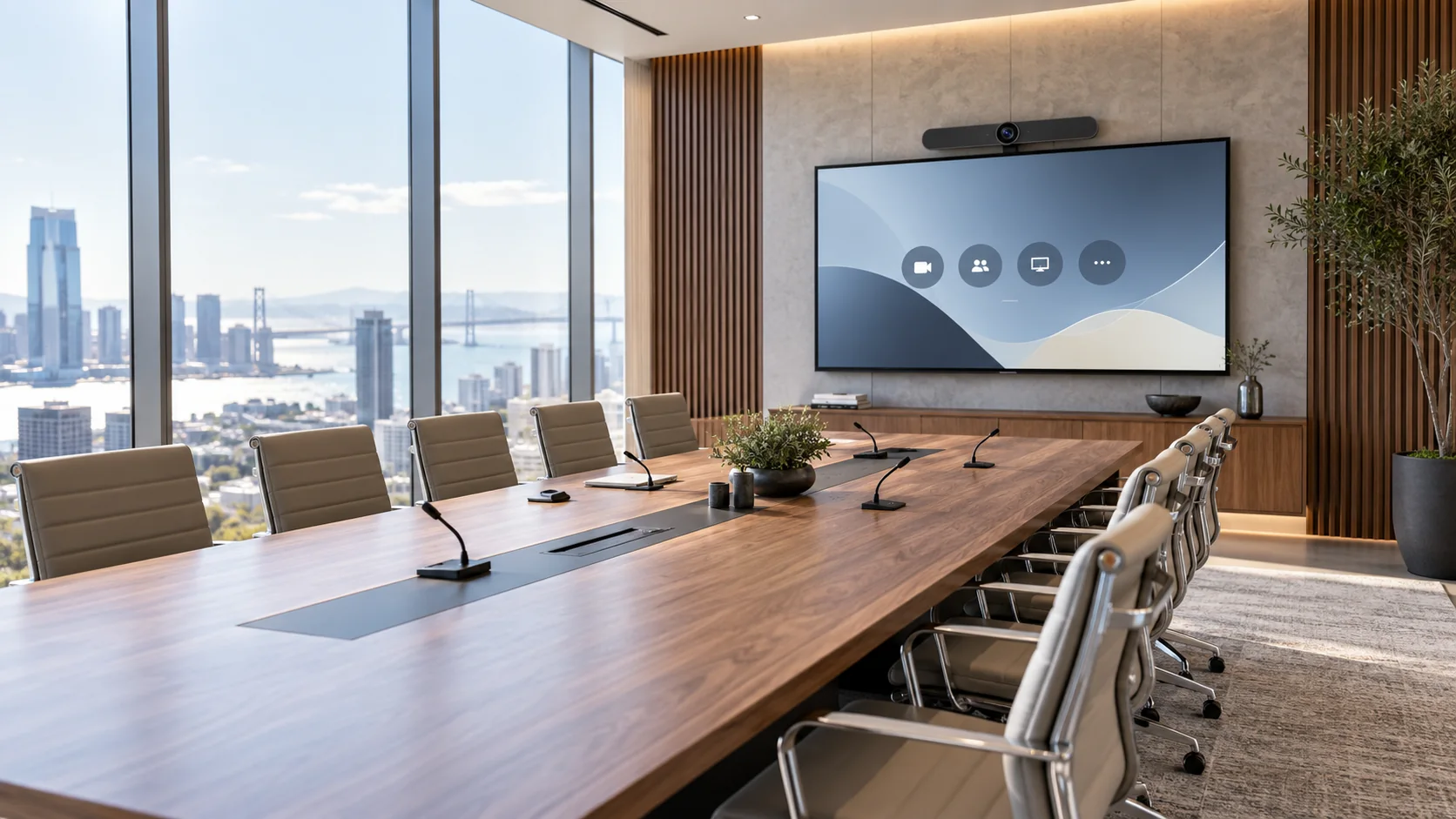
A reliable Microsoft Teams Room starts with the room type and the intended user experience, then correctly sizes displays, camera, microphones, loudspeakers, connectivity and control. Standardisation across rooms and final commissioning are as important as the hardware itself.
1. The design starts with the room, not the kit
The first question is not “which system should we install?” but how will the space be used. A four-person huddle room, a twelve-seat meeting room and a boardroom require different viewing distances, camera framing and audio coverage.
Classify rooms into a small number of repeatable types and define capacity, viewing distances, table layout, presentation workflows, remote participation and BYOD requirements for each.
2. Define platform, accounts and operating model
Microsoft Teams Rooms is a dedicated in-room meeting environment. AV design therefore needs to be aligned with room accounts, licensing, calendar integration, authentication, remote management, updates and network policies.
Also decide how external meeting platforms and personal laptops will be handled. Some organisations prioritise a native Teams experience; others require controlled BYOD or interoperability workflows.
3. Displays and cameras must follow room geometry
Display size and quantity depend on room depth and content. Undersized screens make presentations and remote participants difficult to read; excessive hardware in a small room adds complexity without improving the experience.
Camera height, position, field of view and distance to participants should be evaluated together. Auto-framing and speaker tracking are useful, but they cannot compensate for poor physical placement.
| Element | Design question |
|---|---|
| Display | Is content readable from the furthest useful seat? |
| Camera | Are all participants framed naturally and without excessive distortion? |
| Layout | Do people naturally face the display and camera? |
| Sharing | Can users present content through one clear workflow? |
4. Audio is the most critical part of videoconferencing
A meeting can tolerate less-than-perfect video. It rarely tolerates poor intelligibility, echo or unstable levels. Microphones, loudspeakers, DSP and room acoustics should therefore be designed as one system.
All-in-one video bars can work very well in compact rooms. As size and complexity increase, distributed microphones, loudspeakers and dedicated processing can provide better coverage and control.
5. Network, identity and security are part of the AV design
Modern rooms are networked endpoints. VLANs, access to cloud services, DNS, NTP, firewall rules, authentication and update management should be validated before commissioning.
For multi-site programmes, define common naming, ownership, monitoring and escalation procedures as part of the standard.
6. Standardise without making every room identical
Standardisation means creating room families with a consistent user experience, not copying the same hardware into every space. Small, medium, large and special rooms can each have an approved baseline and controlled variants.
This simplifies procurement, support, training, spares and upgrades while making the user experience more predictable across locations.
7. Commissioning, monitoring and operations
A Teams Room should be handed over only after functional testing of calendar access, meeting join, content sharing, calls, camera framing, audio levels, AEC, control, updates and restart behaviour.
For critical or distributed environments, remote monitoring helps identify offline devices and degraded rooms before the issue is discovered during a live meeting.
Essential checklist
- Room type and capacity defined
- Viewing distances verified
- Camera framing simulated
- Microphone coverage designed
- Acoustics and background noise assessed
- Content sharing defined
- Accounts and licensing prepared
- Network requirements validated
- Room standard documented
- Testing and commissioning planned
Frequently asked questions
Does a Teams Room always need two displays?
No. One or more displays should be selected according to room size, viewing distance and how the organisation wants to separate remote participants from shared content.
Is a video bar better than a modular system?
A video bar reduces complexity in compact spaces. A modular architecture offers more flexibility when room size, participant count or audio-video requirements increase.
Can a Microsoft Teams Room join Zoom or Webex meetings?
It depends on the supported configuration and corporate policies. Interoperability should be validated during design and tested against the organisation’s actual workflows.
Updated 19 September 2026. Technical content edited by AYNO.
AYNO
Designing or standardising meeting rooms?
AYNO supports organisations from requirements and room standards through engineering, integration, commissioning and managed services.
Talk to an AYNO specialist